


Shop By Vehicle
Momento M8 Max DVR Installation Guide
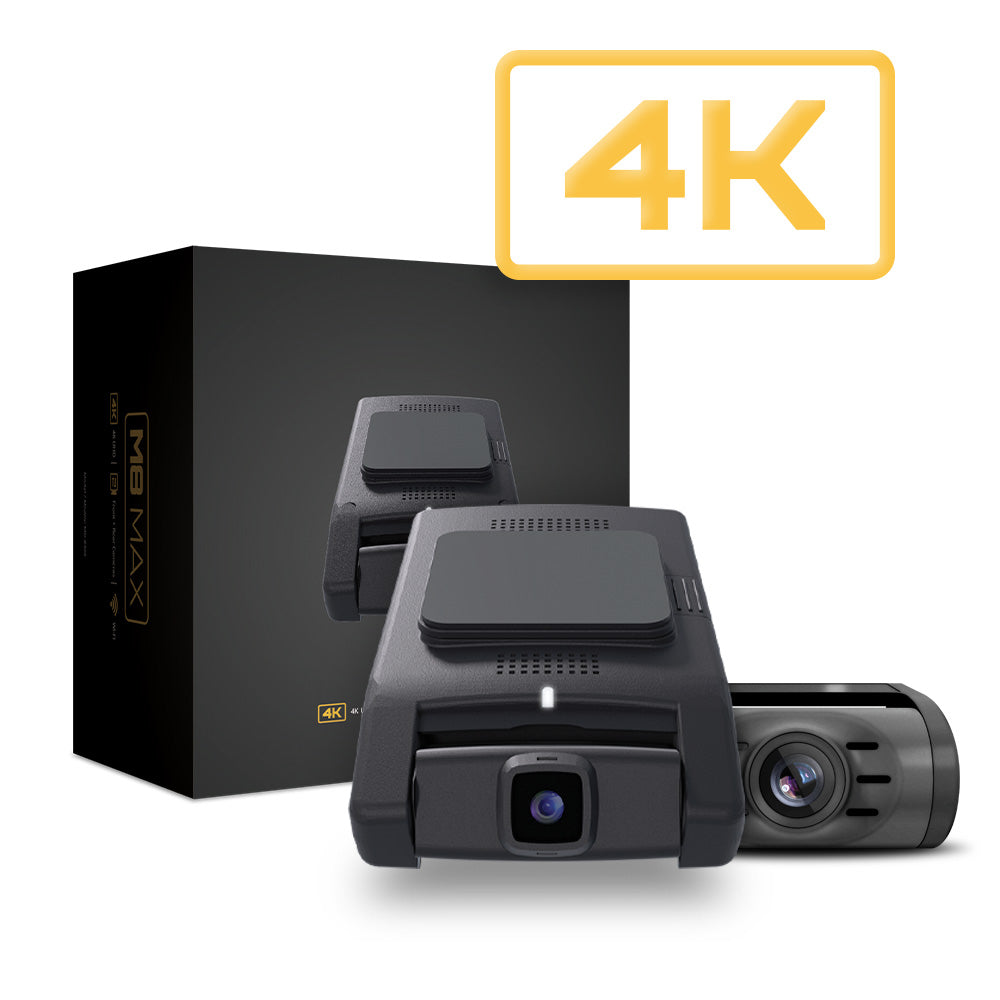
Welcome to your DVR install for your Vehicle!
The following guide will walk you through the entire installation which includes a step by step catalog. Our installation video is in the works but this guide will get you over the finish line in the meantime.
If you have any questions, or need anything during the installation, we're only a phone call away. We're available Monday-Friday, 9am-5pm est. for any support needed, or you can shoot us an email at support@trailseven.com.
These installation notes are intended to be used in conjunction with the installation videos based on the your bundle.
Tech Tips
Tools Needed:
-
Momento M8 Max kit
-
OBD2 harness
-
Trim removal tools
-
Zip ties
Steps:
-
Mount the Camera:
-
Clean the windshield area where you want to mount the camera.
-
Attach the camera using the provided adhesive or suction mount, ensuring it's centered and level.
-
-
Locate the OBD2 Port:
-
Find the OBD2 port under the dashboard, usually near the driver's seat or steering column.
-
-
Connect the OBD2 Harness:
-
Plug the OBD2 harness into the OBD2 port.
-
Route the harness up to the camera location.
-
-
Connect Power:
-
Plug the power cable into the camera.
-
Connect the other end to the OBD2 harness for power.
-
-
Hide the Cables:
-
Use trim tools to tuck the cables along the edges of the dashboard or headliner.
-
Secure cables with zip ties.
-
-
Test the Camera:
-
Start the vehicle to check if the camera powers on.
-
Ensure the camera displays a feed and operates correctly.
-
-
Finish Up:
-
Reattach any panels you removed and do a final check on the camera’s positioning.
-
That’s it! Your Momento M8 Max should now be installed and ready to use.
Below are some vehicle specific installation guides: